InstructorLane
Windows installer
Creates dedicated InstructorLane Instructor and Pupil launchers on the Desktop and Start menu.
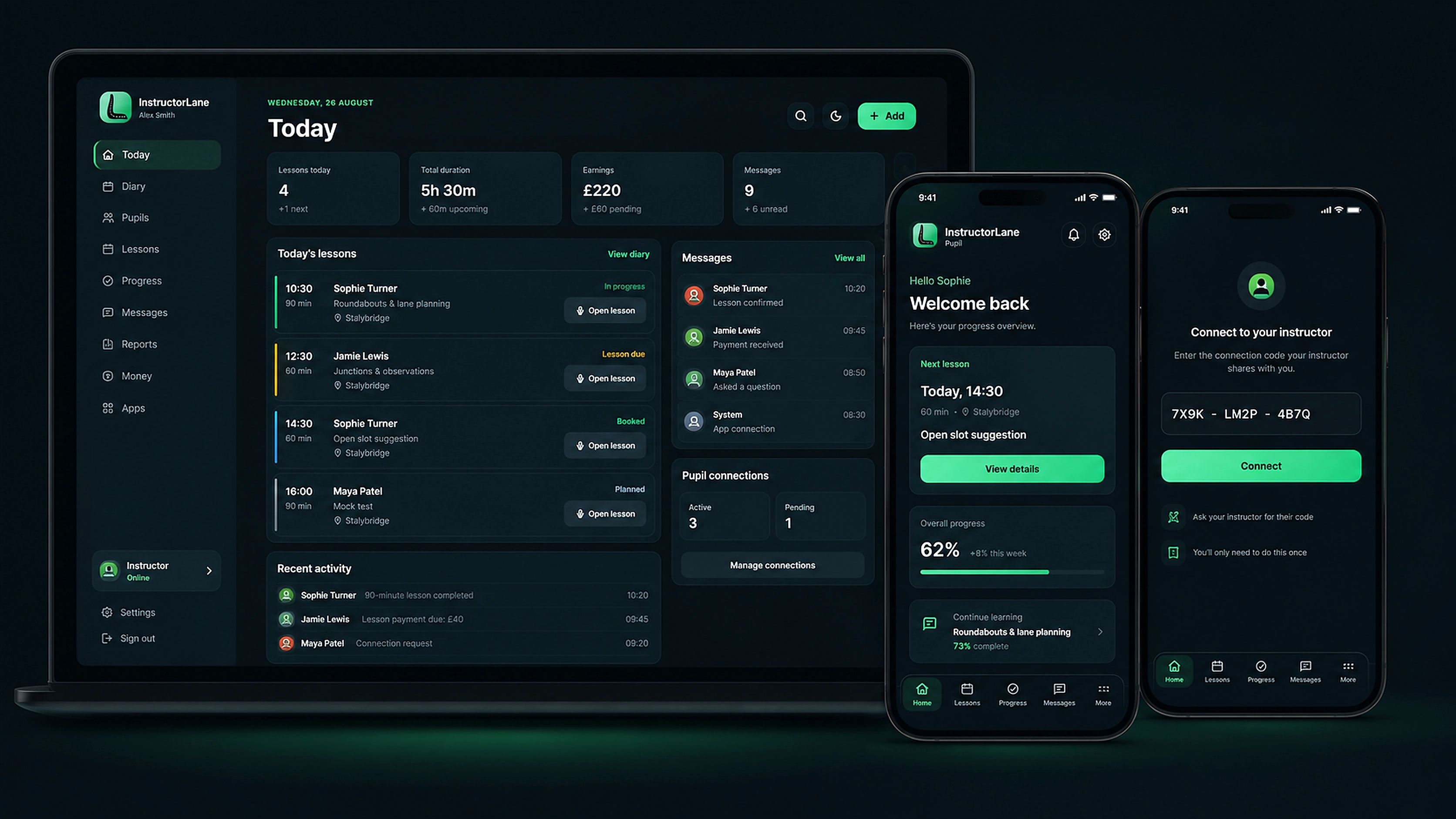
Download for WindowsThe marketing website no longer opens the instructor or pupil workspace directly. Choose the package for the target device, install it, then create or access the account from the installed app.
Creates dedicated InstructorLane Instructor and Pupil launchers on the Desktop and Start menu.
Download for WindowsContains separate instructor and pupil installation launchers with the Android home-screen installation flow.
Download for AndroidProvides the Safari Add to Home Screen installation launcher for the instructor or pupil app.
Download for iPhone / iPadCreates dedicated app launchers in the user's Applications folder for InstructorLane Instructor and Pupil.
Download for macOSThe installer creates a dedicated launcher while the workspace remains synchronised through InstructorLane Cloud. Updates are delivered centrally, so the installed launcher always opens the current production version.